
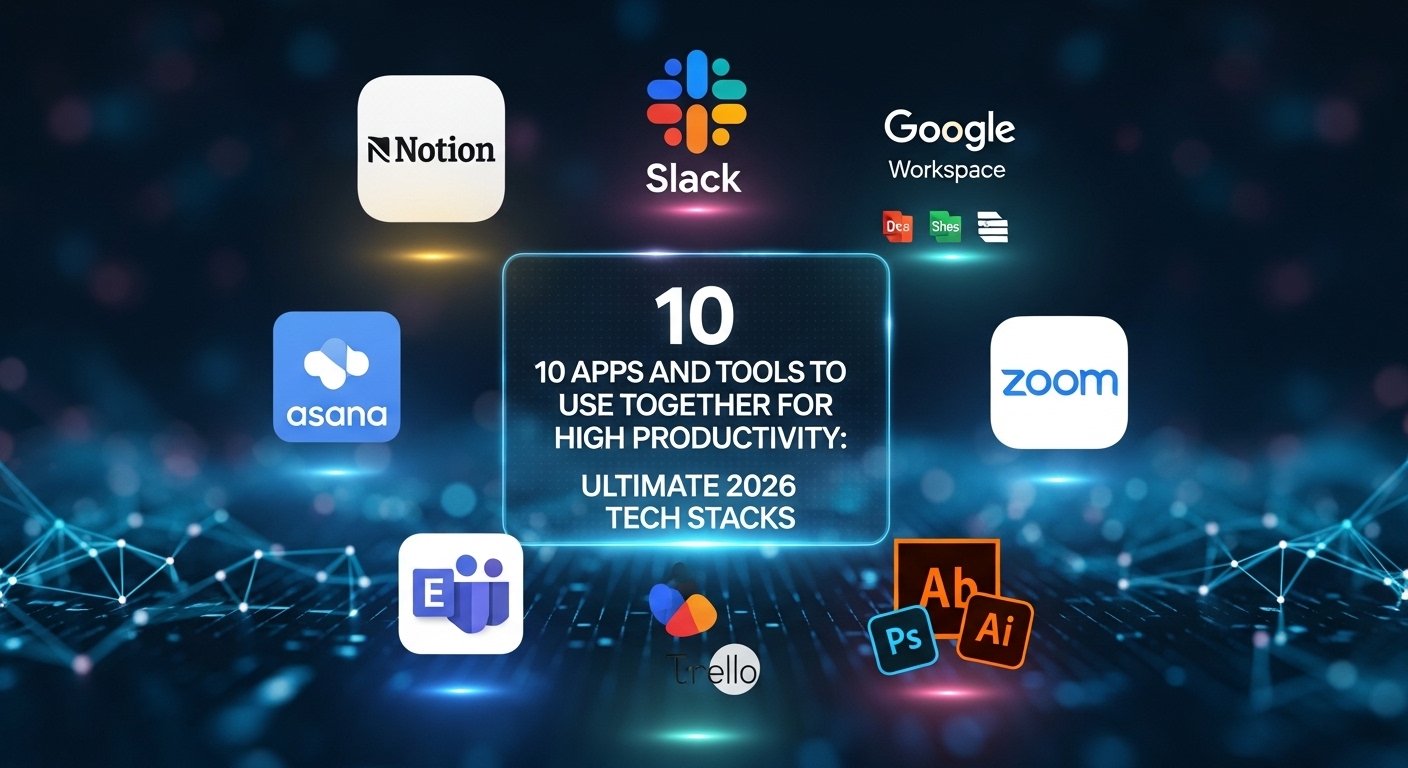
The most productive people in 2026 aren’t using more tools—they’re using tools that work together better. While others collect disconnected apps, high performers architect integrated ecosystems where each component amplifies the others. This guide reveals exactly which apps to combine and how to connect them for maximum leverage.
The Stack Advantage: Individual tools provide linear improvements. Integrated stacks create exponential gains. When Notion talks to Slack, when Motion syncs with Gmail, when Zapier connects everything—you don’t just save time, you create entirely new capabilities.
Stack #1: The Executive Command Center (Notion + Motion + Fathom)
This combination creates an automated executive assistant that manages your knowledge, calendar, and meetings without manual intervention.
- Notion – Central knowledge base and project hub
- Motion – AI calendar management and task prioritization
- Fathom – Automated meeting recording and note-taking
Integration Magic: Fathom automatically sends meeting transcripts to Notion databases. Motion schedules deep work blocks based on Notion project priorities. Result: Zero manual note-taking, automatic meeting follow-ups, and calendar defense of your most important work.
Setup Instructions:
- Create Notion database with properties: Meeting Date, Participants, Key Decisions, Action Items
- Connect Fathom to Notion via Zapier automation
- Configure Motion to sync with Notion projects as priority tasks
- Set Fathom to auto-record all Zoom/Meet calls
- Review automated Notion entries weekly for pattern recognition
Stack #2: The Creator’s Powerhouse (Craft + Descript + Buffer)
Content creators use this stack to produce 10x output with half the effort through intelligent workflow automation.
- Craft – Beautiful long-form content creation
- Descript – AI-powered video/audio editing and transcription
- Buffer – Multi-platform social scheduling and analytics
| Workflow Stage | Tool | Time Saved | Output Quality |
|---|---|---|---|
| Drafting | Craft | 30% | Higher (beautiful formatting) |
| Editing | Descript | 70% | Professional grade |
| Distribution | Buffer | 80% | Consistent posting schedule |
Pro Workflow: Write in Craft → Export to Descript for video narration → Auto-generate clips → Schedule across platforms with Buffer. One piece of content becomes 20+ posts automatically.
Stack #3: The Developer’s Dream (Cursor + Linear + Reclaim)
Software engineers achieve flow state multiplication with this integrated development environment.
- Cursor – AI code editor understanding entire codebase
- Linear – Lightning-fast issue tracking with keyboard-first design
- Reclaim.ai – Calendar defense protecting deep coding sessions
Compound Effect: Cursor generates code from Linear ticket descriptions. Reclaim auto-schedules 4-hour coding blocks. Linear updates automatically when Cursor commits code. Developers ship 3x faster with zero context switching.
Stack #4: The Sales Machine (PhantomBuster + Mem + Calendly)
Sales professionals using this combination close 40% more deals while working fewer hours through intelligent automation.
- PhantomBuster – Automated lead scraping and enrichment
- Mem – AI note-taking with automatic organization
- Calendly – Intelligent scheduling with custom qualification
The Automation Flow:
PhantomBuster extracts leads from LinkedIn → Enriches with email/company data → Creates Mem notes with conversation history → Sends personalized outreach → Books qualified prospects directly to Calendly → Mem auto-generates call prep briefs.
Critical Tip: Set PhantomBuster to run daily at 8 AM. Mem will have enriched profiles ready before your first call. Review for 15 minutes each morning—your pipeline builds itself.
Stack #5: The Research Powerhouse (Obsidian + Readwise + Zotero)
Academics, writers, and researchers process 10x more information with permanent retention using this knowledge synthesis stack.
- Obsidian – Networked note-taking with bidirectional linking
- Readwise – Highlights aggregation from Kindle, articles, podcasts
- Zotero – Academic reference management with PDF annotation
Knowledge Multiplication: Readwise syncs all highlights to Obsidian daily. Zotero manages citations. Obsidian’s graph view reveals unexpected connections between sources. Writers never lose insights again.
Stack #6: The Agency Operating System (ClickUp + Loom + Clockwise)
Marketing agencies and consultancies deliver more client value with less burnout through systematic workflow orchestration.
- ClickUp – All-in-one project management with client portals
- Loom – Async video communication for updates and feedback
- Clockwise – Team calendar optimization creating focus time
| Problem | Solution | Result |
|---|---|---|
| Endless status meetings | Loom async updates | 8 hours/week recovered |
| Fragmented team schedules | Clockwise optimization | 60% more focus time |
| Client communication chaos | ClickUp portals | 90% fewer check-in calls |
Stack #7: The E-commerce Empire (Shopify + Klaviyo + Gorgias)
Online stores scale to 7-figures without expanding headcount using this customer experience automation stack.
- Shopify – E-commerce platform with extensive app ecosystem
- Klaviyo – Email/SMS marketing with behavioral triggers
- Gorgias – Customer service with AI-powered responses
Revenue Impact: Klaviyo automates abandoned cart sequences (recovering 15% of lost sales). Gorgias handles 60% of support tickets automatically. Shopify tracks customer lifetime value. Store owners focus on product, not operations.
Stack #8: The Freelancer’s Fortress (Toggl + HoneyBook + Wave)
Solo professionals manage clients, time, and finances professionally without administrative overwhelm.
- Toggl Track – Time tracking with profitability reporting
- HoneyBook – Client management, contracts, and invoicing
- Wave – Free accounting with automatic expense categorization
Workflow Integration:
Toggl tracks billable hours → HoneyBook generates invoices automatically → Wave reconciles payments and categorizes expenses → Monthly profit reports generated without manual data entry.
Tax Season Savior: This stack saves freelancers 40+ hours during tax preparation. All income and expenses tracked automatically. Accountants love the clean financial records.
Stack #9: The Remote Team Hub (Slack + Notion + Donut)
Distributed teams maintain culture and coordination without constant meetings using this connection-focused stack.
- Slack – Team communication with powerful integration platform
- Notion – Company wiki and documentation hub
- Donut – Automated virtual coffee chats and team building
Culture Multiplier: Donut randomly pairs team members for virtual coffees. Slack notifies when Notion docs are updated. Remote workers feel connected without forced fun. Companies report 50% higher engagement scores.
Stack #10: The Student Success System (Anki + Forest + Grammarly)
Students achieve top grades while studying less through evidence-based learning optimization.
- Anki – Spaced repetition flashcard system
- Forest – Gamified focus timer blocking phone distractions
- Grammarly – AI writing enhancement and plagiarism detection
| Study Phase | Tool | Efficiency Gain |
|---|---|---|
| Learning | Forest (focus) | 2x retention |
| Memorization | Anki (SRS) | 5x faster recall |
| Writing | Grammarly | Immediate feedback |
Your Implementation Guide: The 30-Day Stack Rollout
Don’t implement all stacks simultaneously. Follow this proven rollout schedule for maximum adoption success:
- Days 1-10: Foundation
Select ONE stack matching your primary role. Install all three tools. Complete basic setup. Use manually without integrations initially. - Days 11-20: Integration
Connect tools using native integrations or Zapier. Document time saved. Refine workflows based on friction points. - Days 21-30: Optimization
Automate repetitive steps. Create SOPs for recurring tasks. Measure ROI in hours saved or revenue increased. - Day 31+: Expansion
Once first stack delivers consistent results, evaluate adjacent stacks. Never exceed 2 active stack implementations simultaneously.
Failure Pattern Alert: 80% of productivity failures come from implementing too much too fast. Master one stack completely before adding another. Sequential progress compounds; parallel implementation collapses.
Measurement Framework: Tracking Stack ROI
You can’t optimize what you don’t measure. Establish these baseline metrics before implementing any stack:
- Time Investment Baseline: Track current hours spent on the workflow for one week
- Quality Score: Rate output quality 1-10 before implementation
- Friction Log: Document every annoyance, workaround, and manual step
- Post-Implementation Tracking: Measure same metrics at 30, 60, and 90 days
Success Threshold: A successful stack reduces time investment by 40%+ while maintaining or improving quality scores within 60 days. If results don’t meet this threshold, troubleshoot or replace components.
Frequently Asked Questions (FAQs)
How much does it cost to implement these stacks?
Most stacks cost $30-100/month total. Start with free tiers to validate workflows, then upgrade for premium features. Calculate ROI: if a stack saves 10 hours monthly and your time is worth $50/hour, even $100/month tools pay for themselves 5x over.
What if I already use different tools?
These stacks represent optimal combinations, but principles matter more than specific tools. If you love Asana over ClickUp, substitute it. Focus on functional categories (project management + async video + calendar optimization) rather than brand names.
Do I need technical skills to connect these tools?
Most modern tools offer one-click native integrations requiring zero coding. For advanced automations, learn basic Zapier workflows—most take 15 minutes to set up with drag-and-drop interfaces.
Can I mix and match components from different stacks?
Absolutely. The stacks are starting points. Once you understand why certain combinations work (complementary strengths, reduced context switching), customize freely. Many top performers create hybrid stacks unique to their workflows.
How do I convince my team to adopt a stack?
Start with personal adoption. Demonstrate results publicly (“This took 10 minutes instead of 2 hours because…”). Teams naturally adopt tools that make their lives easier. Bottom-up adoption succeeds 3x more often than top-down mandates.
Conclusion: Your Stack Is Your Competitive Advantage
In 2026, your productivity stack isn’t just about efficiency—it’s your unfair advantage. While competitors work harder with disconnected tools, you’ll work smarter with integrated systems that compound. The question isn’t whether you can afford to build these stacks—it’s whether you can afford not to.
Your Next 48 Hours: Choose ONE stack from this list that resonates strongest with your role. Sign up for free trials of all three tools today. Block 2 hours tomorrow for setup. By this time next week, you’ll wonder how you ever worked without them. That future starts with a single decision—make it now.
Remember: Every system you admire started with someone choosing better tools. Every high performer you respect built their advantage incrementally. You now have the blueprint. The only variable remaining is your action. Build something remarkable.
Stay Updated: Tool landscapes evolve quarterly. Follow Product Hunt, The ReadMe, and official blogs of your core tools to catch game-changing updates and emerging alternatives.